Skip to content
Introduction
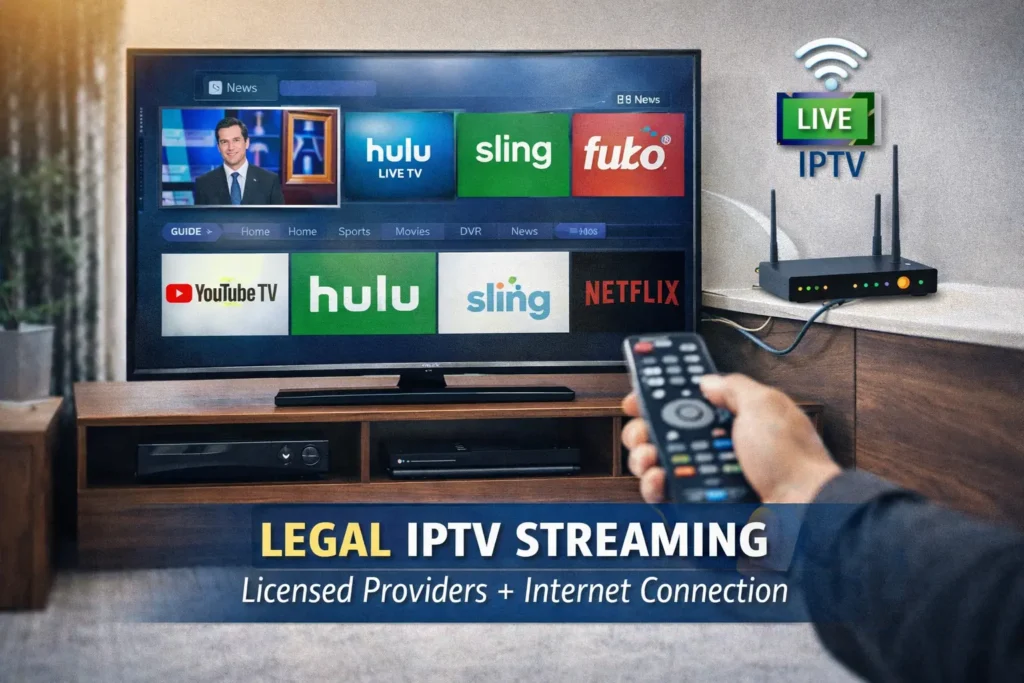
If you're wondering how to get IPTV, the process is simpler than many people think. IPTV (Internet Protocol Television) allows you to stream live TV and on-demand content over the internet instead of traditional cable or satellite.
In the United States, getting IPTV legally involves choosing a licensed provider, selecting a compatible device, installing the appropriate app, and activating your subscription. This guide explains everything step-by-step—clearly, legally, and without hype—so you can make informed decisions.
What Is IPTV? (Quick Definition)

How to Get IPTV stands for Internet Protocol Television.
It delivers television content through internet networks rather than traditional cable infrastructure.
In simple terms:
- Cable TV → uses coaxial cable
- Satellite TV → uses dish signals
- IPTV → uses your internet connection
The technology itself is legal. However, whether a service is legal depends on proper licensing and distribution rights.
For official copyright information, review the Digital Millennium Copyright Act (DMCA) from the U.S. Copyright Office.
How to Get IPTV in the US (Step-by-Step)
Step 1: Choose a Legal IPTV Provider
Look for services that:
- Clearly list licensing information
- Operate transparently
- Offer customer support
- Accept standard payment methods
- Do not advertise “free premium channels”
According to guidance from the Federal Communications Commission, consumers should verify that streaming services comply with US broadcasting laws.
Tip: Avoid services promising “every channel worldwide for $10.” That is often a red flag.
Step 2: Select a Compatible Device
Most IPTV services work on:
- Smart TVs (Samsung, LG)
- Streaming devices (Roku, Fire TV Stick, Apple TV)
- Android TV boxes
- Smartphones and tablets
- Windows or Mac computers
Make sure your device supports the provider’s app.
Step 3: Install the IPTV App
Once you subscribe:
- Go to your device’s app store.
- Download the official IPTV app.
- Enter your login credentials.
- Load your playlist or activation code.
Setup usually takes under 10 minutes.
Step 4: Ensure a Stable Internet Connection
Minimum recommended speeds:
- 10 Mbps → HD streaming
- 25 Mbps → Multiple devices or 4K
The Federal Trade Commission advises consumers to verify advertised internet speeds with their ISP.
How Much Does IPTV Cost in the US?
Costs vary depending on the service.
Typical pricing ranges:
- $20–$75 per month for licensed services
- Bundled packages may include:
- Live channels
- On-demand libraries
- DVR features
Be cautious of extremely low prices.
Legal IPTV vs Illegal IPTV (Important Comparison)
| Feature | Legal IPTV | Illegal IPTV |
|---|---|---|
| Licensing | Properly licensed | No rights to content |
| Stability | Reliable streaming | Frequent shutdowns |
| Security | Secure apps | Malware risk |
| Payment | Secure methods | Crypto-only payments |
| Risk Level | Low | Potential legal risk |
The technology is legal. Unauthorized content distribution is not.
Benefits of IPTV
- Flexible viewing on multiple devices
- No long-term cable contracts
- On-demand access
- Often cheaper than cable bundles
- Portable (use while traveling in the US)
Limitations of IPTV
- Requires strong internet connection
- Possible buffering during peak times
- Dependent on provider infrastructure
- Regional content restrictions
IPTV is not perfect—but it is widely used and legitimate when licensed.
Common Mistakes When Trying to Get IPTV
- Choosing based only on price
- Ignoring licensing transparency
- Using outdated devices
- Having insufficient internet speed
- Falling for “lifetime unlimited everything” offers
Always research before subscribing.
Is IPTV Legal in the United States?
Short Answer:
Yes, IPTV technology is legal. Services must have proper content licensing.
Unauthorized streaming of copyrighted content may violate US copyright law under the DMCA.
How Long Does IPTV Setup Take?
Most users complete setup within:
- 5–15 minutes
- Faster if the device is already configured
Internal Linking Opportunities
To strengthen SEO and topical authority, link internally to:
- “Is IPTV Legal in the US?”
- “Best Devices for IPTV”
- “How to Set Up IPTV on Smart TV”
- “IPTV vs Cable Comparison Guide”
This improves crawl depth and topical relevance in Google Search Console.
Recommended IPTV Provider
When evaluating services, prioritize:
- Transparent operations
- Clear customer support
- Consistent uptime
- Legal content sourcing
One option to review is flexvesionpro.com, which provides IPTV services and device compatibility guidance. As always, verify service legitimacy and terms before subscribing.
FAQ Section (Schema-Ready)

1. How do I get IPTV legally in the US?
Choose a licensed IPTV provider, subscribe, install their app on a compatible device, and connect using your internet service.
2. Do I need special equipment for IPTV?
No special cable box is required. A smart TV or streaming device with internet access is sufficient.
3. Is IPTV cheaper than cable?
Often yes, but pricing varies by provider and channel package.
4. What internet speed is required for IPTV?
At least 10 Mbps for HD and 25 Mbps for multiple streams or 4K content.
5. Can I use IPTV on multiple devices?
Many providers allow multi-device streaming, depending on your subscription plan.
6. Is IPTV safe to use?
Legal IPTV services are safe. Avoid unlicensed services that may pose security or legal risks.
Conclusion
Understanding how to get IPTV in the United States starts with choosing a licensed provider, using compatible devices, and ensuring a stable internet connection.
IPTV technology itself is legal and widely used, but legality depends on proper content licensing. By following best practices, researching providers, and verifying transparency, you can stream confidently and responsibly.
This guide is designed to help you make informed decisions based on compliance, reliability, and consumer protection standards—not marketing claims.