Skip to content
Setting up IPTV on the Formuler Z11 is one of the easiest ways to enjoy live TV, movies, and series through the internet. Thanks to its powerful hardware and the MyTVOnline 3 app, the Formuler Z11 has become a favorite choice for IPTV users who want stability, speed, and a clean viewing experience.
This beginner-friendly guide explains how to set up IPTV on Formuler Z11 step by step, even if you’ve never used IPTV before.
What Is the Formuler Z11 and Why Is It Popular for IPTV?
The Formuler Z11 is an Android-based streaming device designed specifically for IPTV usage. Unlike generic Android TV boxes, it is optimized for IPTV performance and works seamlessly with the MyTVOnline 3 application.
Key reasons users choose Formuler Z11 for IPTV:
- Smooth navigation and fast performance
- Native support for MyTVOnline 3
- Excellent channel switching speed
- Strong compatibility with modern IPTV services
What You Need Before Setting Up IPTV
Before starting the Formuler Z11 IPTV setup, make sure you have the following:
- Stable internet connection
(Recommended: at least 20 Mbps for HD, higher for 4K) - Formuler Z11 device
Properly connected to your TV via HDMI - IPTV subscription details
These are usually provided as:- Portal URL (MAC-based)
- Xtream Codes (username, password, server URL)
Step-by-Step: How to Set Up IPTV on Formuler Z11
4
1. Turn On the Formuler Z11
- Connect the Formuler Z11 to your TV using an HDMI cable
- Plug in the power adapter
- Turn on the device and complete the basic Android setup
- Connect to your Wi-Fi or Ethernet network
Once connected, you’ll reach the main home screen.
2. Open MyTVOnline 3
MyTVOnline 3 comes pre-installed on the Formuler Z11.
- From the home screen, open MyTVOnline 3
- Accept any permissions requested
- You’ll be taken to the playlist setup screen
This is where IPTV on Formuler Z11 is configured.
3. Add IPTV Using Portal URL or Xtream Codes

You can set up IPTV in two common ways.
Option A: Portal URL (MAC-Based Setup)
- Select Add Portal
- Enter:
- Portal Name (any name you choose)
- Portal URL (provided by your IPTV service)
- Save and connect
This method is simple and widely supported.
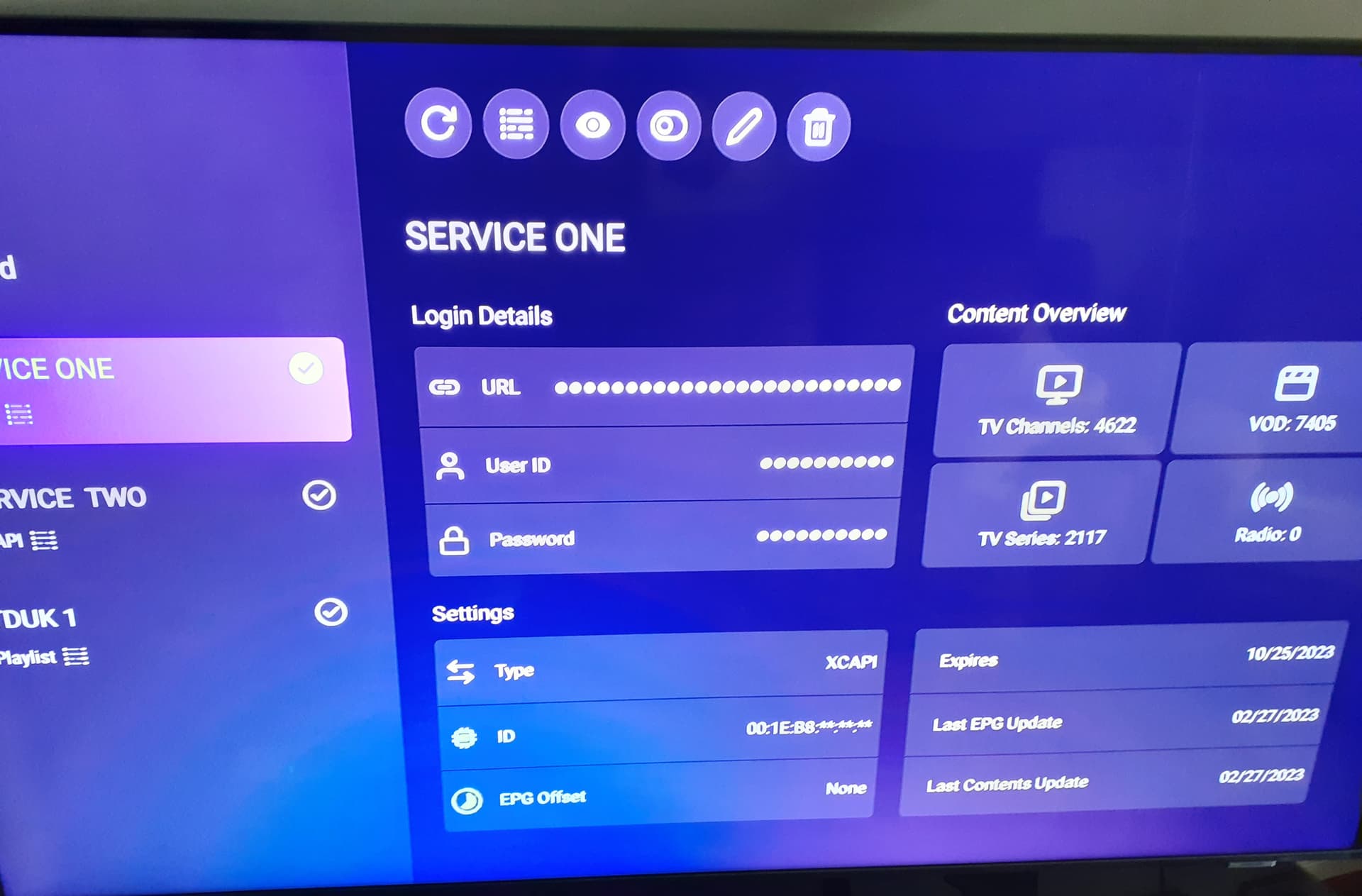
Option B: Xtream Codes Setup
- Select Xtream Codes
- Enter:
- Server URL
- Username
- Password
- Confirm and load
Xtream Codes setup is often faster and provides better EPG syncing.
4. Load Channels and EPG
After successful login:
- Channels will load automatically
- Categories such as Live TV, Movies, and Series will appear
- The EPG (Electronic Program Guide) will sync in the background
Your MyTVOnline 3 setup is now complete.
Common Problems & Quick Fixes
Even with a correct setup, beginners may face small issues. Here are quick solutions.
Buffering Issues
- Check your internet speed
- Use Ethernet instead of Wi-Fi if possible
- Lower stream quality (HD instead of 4K)
Channels Not Loading
- Restart MyTVOnline 3
- Recheck your IPTV credentials
- Restart the Formuler Z11
EPG Not Showing
- Wait a few minutes for EPG to sync
- Refresh EPG manually from settings
- Confirm your IPTV provider supports EPG
Why Choosing a Reliable IPTV Provider Matters
The performance of IPTV on Formuler Z11 depends heavily on the IPTV provider you choose.
A reliable IPTV service should offer:
- Stable servers with minimal downtime
- Clear HD and 4K channel quality
- Regularly updated channel lists
- Responsive customer support
Even the best device can’t compensate for a poor IPTV source.
Recommended IPTV Provider for Formuler Z11
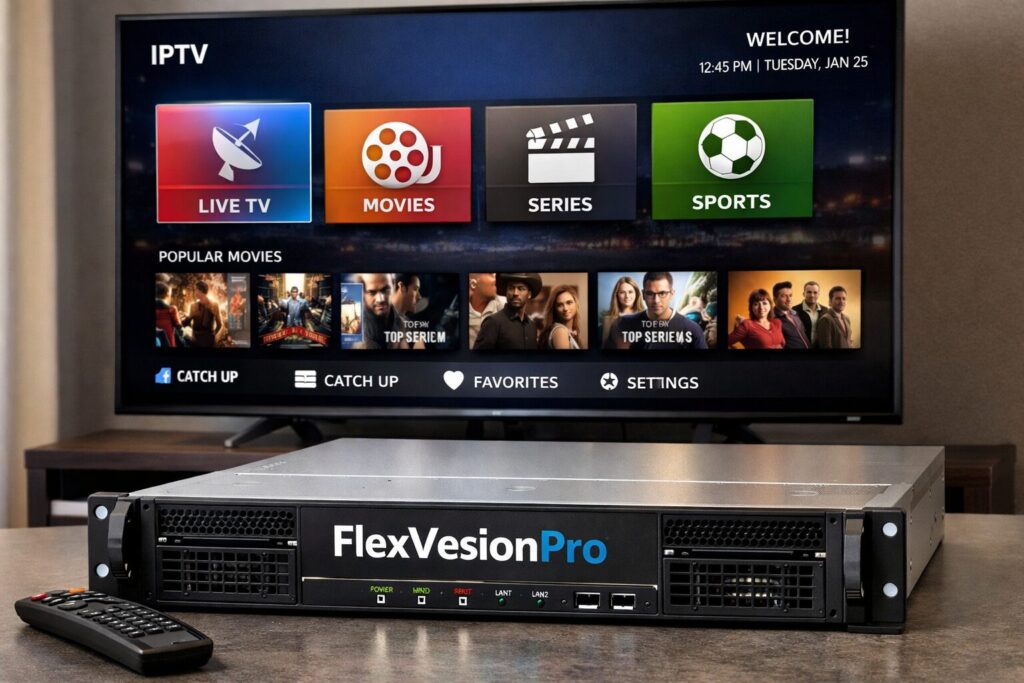
For users looking for a dependable and beginner-friendly option, FlexvesionPro is a solid choice.
FlexvesionPro offers:
- Stable servers optimized for smooth streaming
- HD & 4K channels
- Full compatibility with Formuler Z11 and MyTVOnline 3
- Fast setup assistance for new users
The service focuses on reliability and user experience rather than aggressive marketing.
Final Thoughts
Learning how to set up IPTV on Formuler Z11 is straightforward when you follow the right steps. With the built-in MyTVOnline 3 app and a proper IPTV subscription, most users can be up and running in minutes.
To get the best experience:
- Use a stable internet connection
- Configure IPTV correctly using Portal URL or Xtream Codes
- Choose a trusted IPTV provider
With the right setup, the Formuler Z11 becomes a powerful and user-friendly IPTV solution for everyday streaming.